1
2
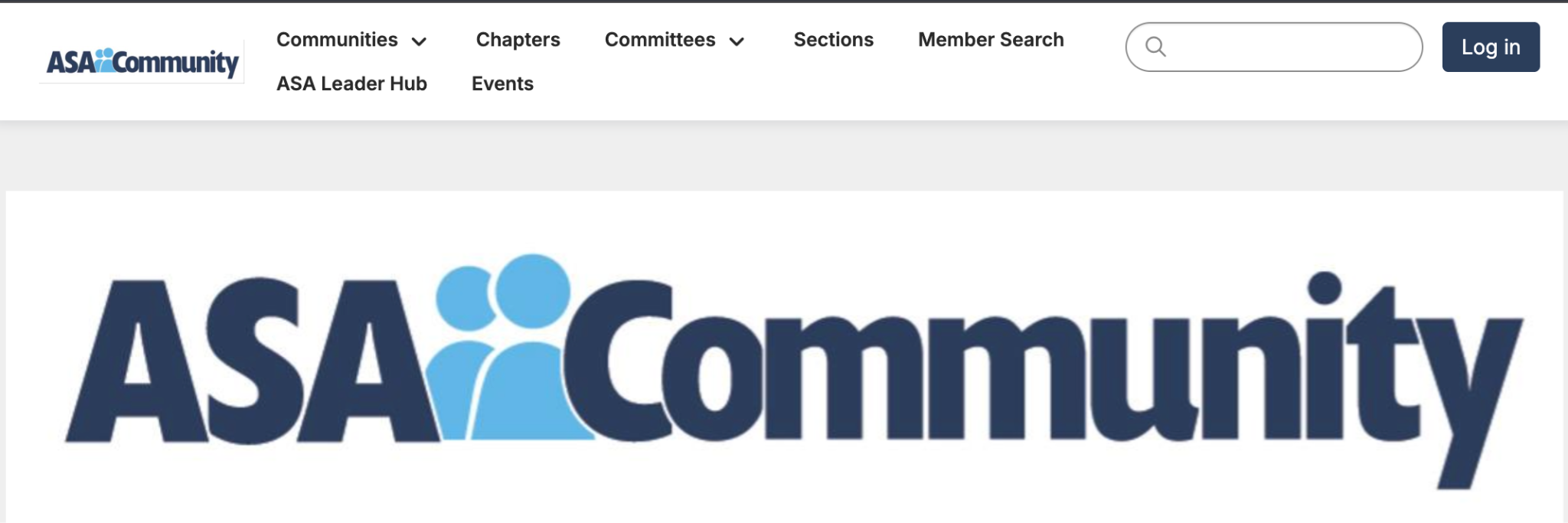
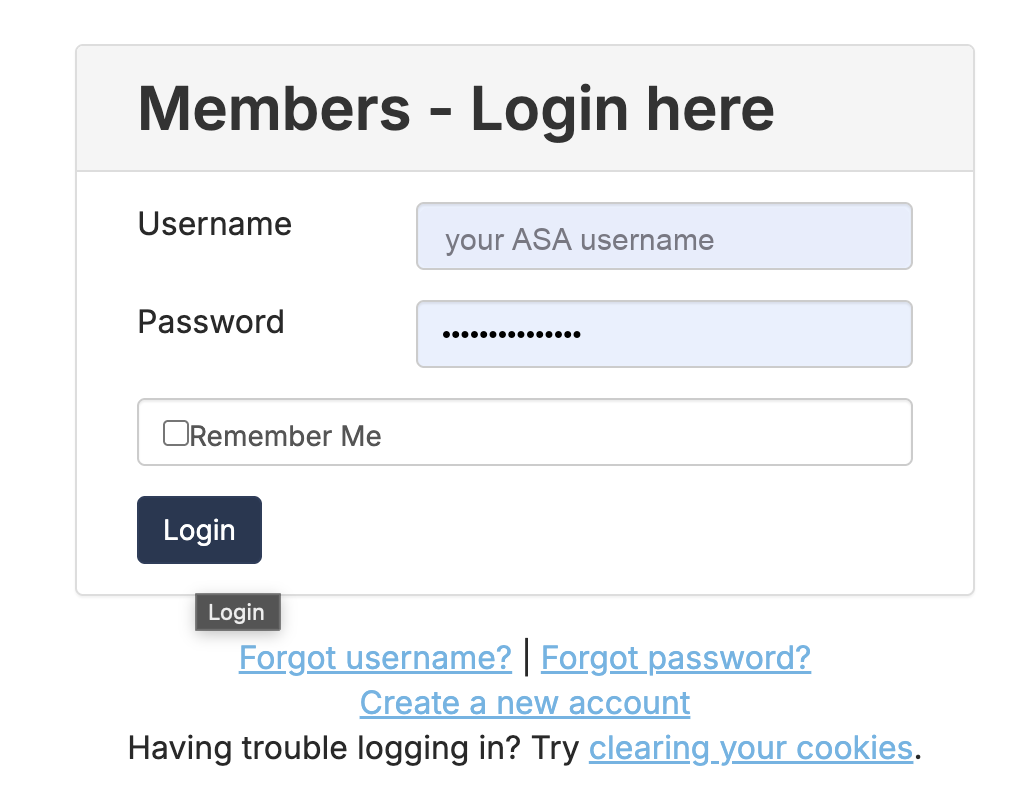
Log in with your ASA credentials
Use the username and password from your ASA membership account.
3
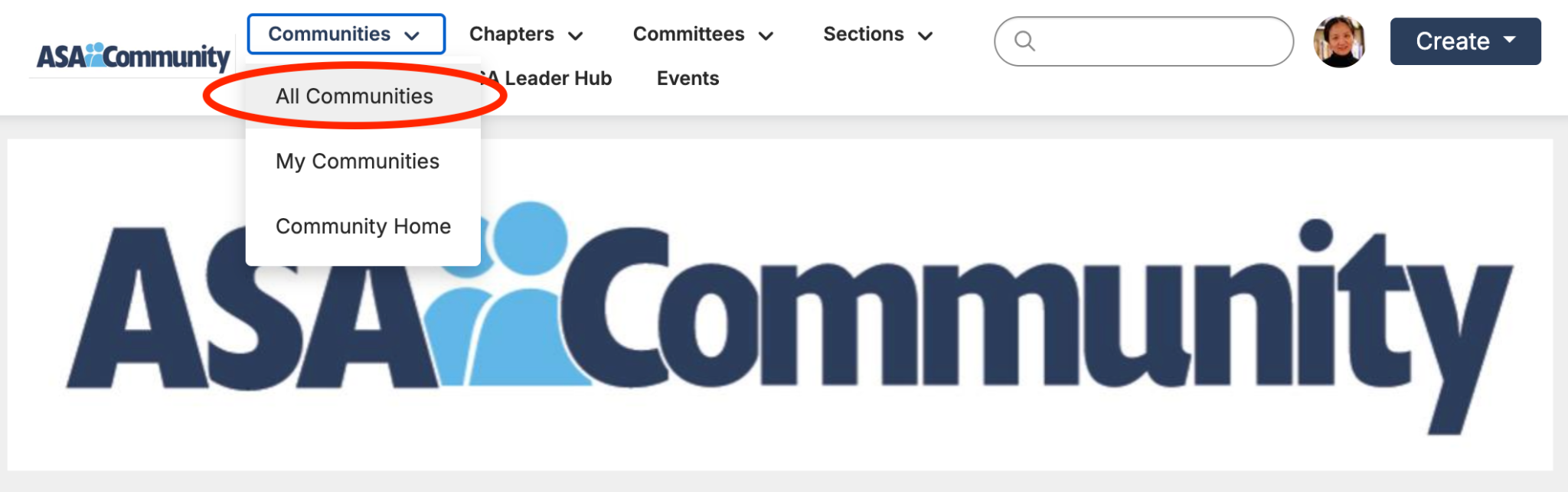
Open Communities → “All Communities”
In the top menu, click Communities and choose All Communities.
4
Set the filters
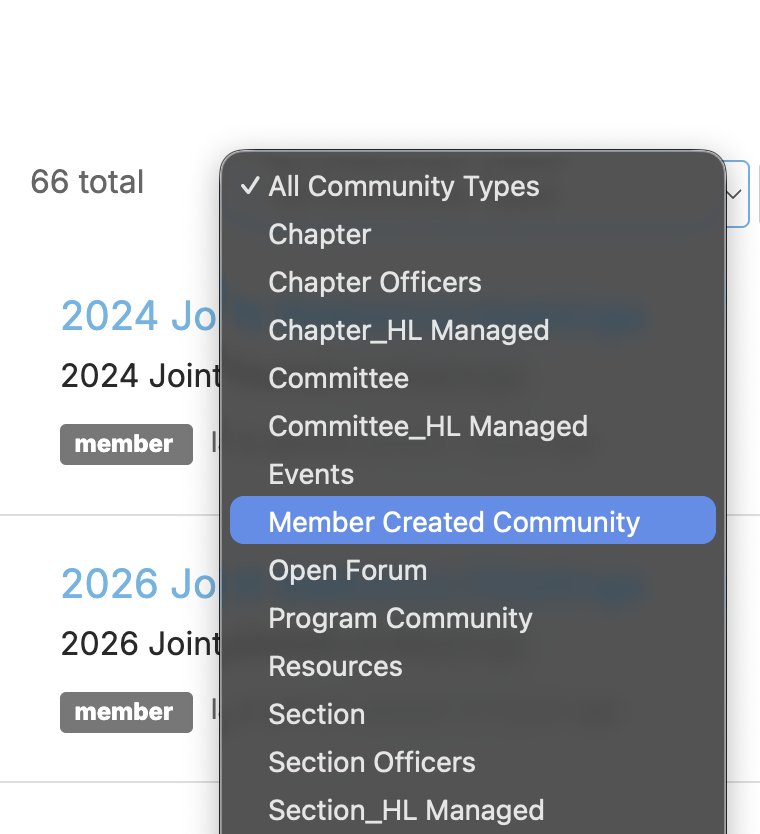
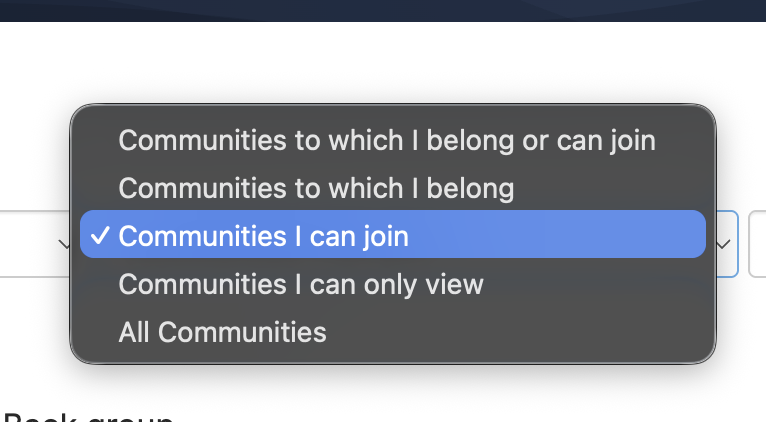
In the filters, select “Member Created Community”, then set the second filter to “Communities I can join.”
5
Jump to the last page
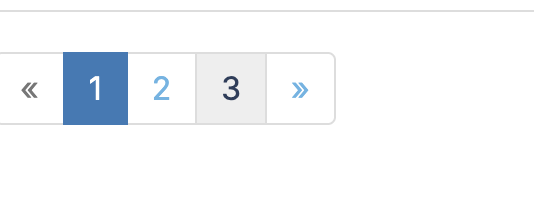
Scroll to the bottom of the list and click the highest page number — our group is near the end.
6
Find “Stats Up AI Interest Group” and click Join
Find Stats Up AI Interest Group in the list and click the Join button.

7
Choose your notifications, then confirm
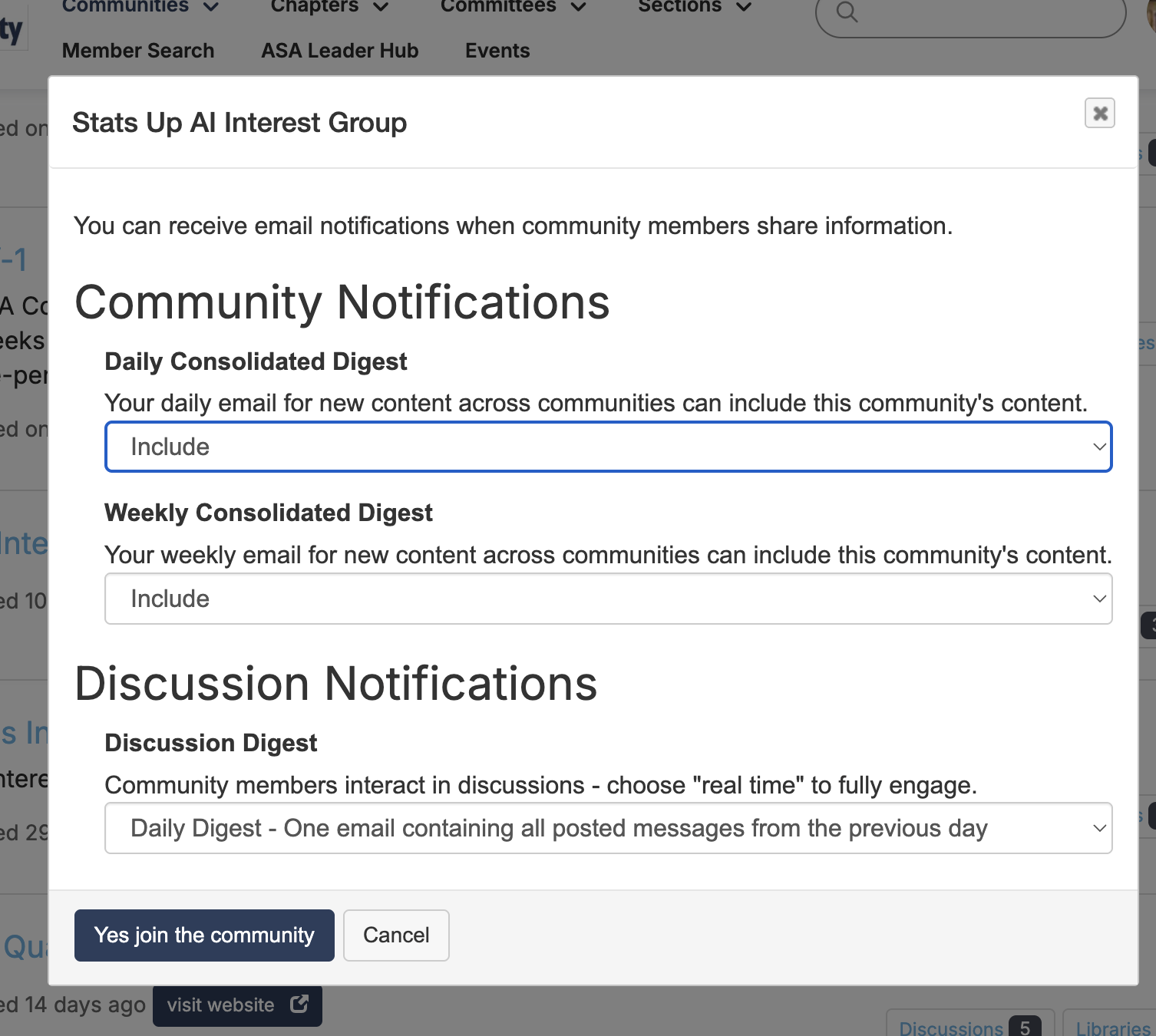
Set your communication preferences (daily/weekly digests) and click “Yes, join the community.”
🎉 You're in! Now go find your people
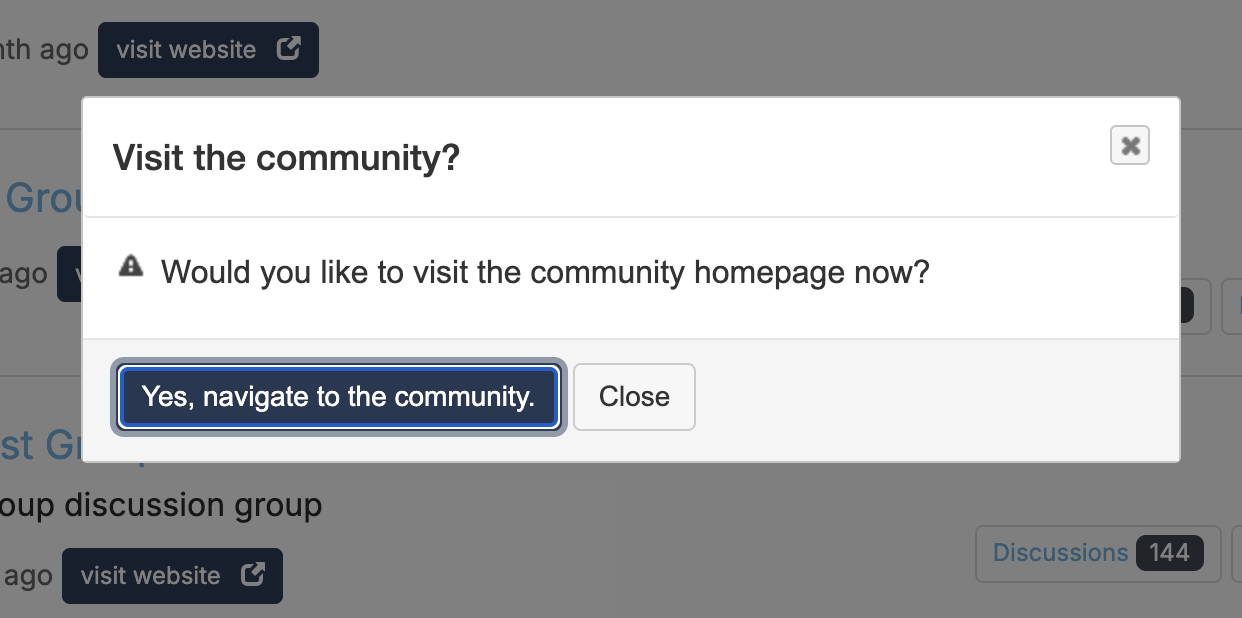
Confirm to visit the community homepage, introduce yourself, and start connecting with statisticians shaping the future of AI.